In a digital world overflowing with information, capturing a visitor’s attention at the right moment has become both an art and a science. Websites need to communicate quickly, clearly, and contextually without interrupting the user journey.
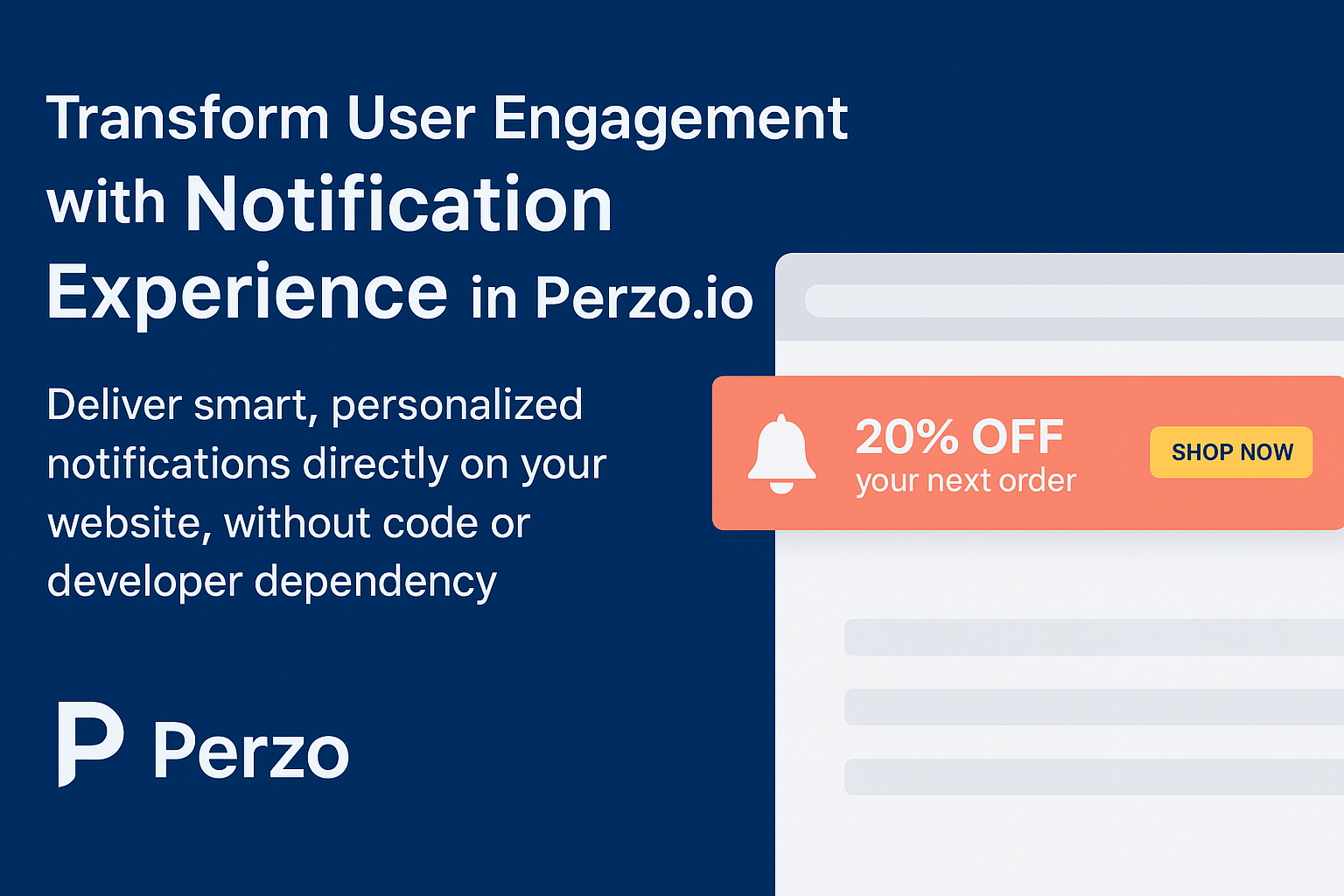
Perzo solves this challenge through its powerful Notification Experience feature. Designed for modern growth teams, product owners, and marketers, it lets you deliver smart, personalized notifications directly on your website, without code, without delay, and without dependency on developers.
Let’s explore what Notification Experience is, how it works, and why it is becoming essential for every business that cares about engagement and conversions.
What Is a Notification Experience in Perzo?
A Notification Experience is an on-site message that appears to users based on their behavior, persona, or segment. Unlike traditional pop-ups or alerts, Perzo’s notifications are:
- Fully customizable
- Audience-targeted
- Non-intrusive
- Behavior-driven
- Trackable and measurable
Notifications can appear as:
- In Left Top, Right Top, Left Bottom, Right Bottom
- Icon-based alerts
- Inline messages
This makes them perfect for guiding users, promoting updates, or driving actions all while blending seamlessly into the website experience.
How Notification Experience Works
Perzo gives you complete control over how, when, and to whom notifications are delivered. Here’s the typical workflow:
1. Create a Notification
You begin by selecting the Notification Experience from the dashboard. Customize:
- Heading
- Message
- Icons
- Button actions (CTA)
- Banner type or panel style
- Colours & branding
Simple, intuitive, and no coding needed.
2. Personalize for Your Audience
Perzo integrates deeply with:
- Persona
- Segments
- Behavioural conditions
- Campaign sources
- UTM parameters
So, you can notify:
- New users
- Returning visitors
- High-intent users
- Abandoning users
- Users from specific ad campaigns
Every message can be tailored to feel personal and relevant.
3. Add Smart Triggers
Triggers determine when notifications appear. Examples:
- On page load
- After a time, delay
- On scroll
- On exit intent
- After an action (click, hover, inactivity)
- On specific URLs or campaigns
This ensures your message appears at the best possible moment.
4. Publish & Measure
Once live, Perzo tracks:
- Impressions
- Click-through rate
- Engagement
- Conversions
This gives you insights into what’s working and what to optimize.
Why Notification Experience Matters
✔ Personalized Communication
Send meaningful, human-like messages that speak directly to each type of visitor.
✔ Higher Engagement Levels
Smart timing + relevant messaging = higher click-through and conversions.
✔ Zero Developer Dependency
Marketing teams can launch notifications instantly.
✔ Better User Guidance
Notify users about steps, features, or updates to reduce confusion and drop-offs.
✔ Works Across Industries
E-commerce, SaaS, EdTech, content platforms everyone benefits.
Real-World Use Cases
Here are some practical ways companies use Notification Experiences in Perzo:
E-commerce
- Back-in-stock alerts
- Limited-time offer notifications
- Shipping or return policy updates
SaaS Products
- Feature announcements
- Onboarding steps
- Account reminders
E-learning
- Course recommendations
- “Resume where you left off” alerts
- New content notifications
Content Platforms
- New article prompts
- Category recommendations
- Subscription nudges
With targeting, each message reaches the right user at the right stage.
A/B Test Your Notifications
Perzo also integrates notification experiences with A/B testing.
Create Variant A and Variant B, change:
- Headline
- Button text
- Icon type
- Colour theme
- Trigger type
Then compare performance across:
- Click-through rate
- Conversion rate
- Engagement rate
- Resulting revenue
This helps you optimize your on-site communication scientifically.
Best Practices for Effective Notifications
- Keep the message short and clear
- Use a strong, action-oriented CTA
- Don’t overwhelm the user use subtle triggers
- Align design with your brand colours
- Personalize based on persona or behavior
- Always test and refine
Final Thoughts
The Notification Experience in Perzo transforms your website into a dynamic, intelligent communication hub. Instead of static pages, you create responsive, personalized interactions that guide users, support their journey, and encourage action.
From onboarding to upsell, from reminders to promotions notifications help brands communicate more effectively than ever.
If you want your website to feel alive, intuitive, and personalized, Perzo’s Notification Experience is your secret weapon.